A film stock, and the settings it was shot with.
That is a recipe. Phocus applies the whole of it live in the viewfinder — the colour, the grain, the tone trims, the white balance — so the shot leaves the camera already graded.
Anatomy
Three things in every recipe
Same idea as a Fuji recipe: the stock sets the base, the settings take it somewhere specific, and the sample shots tell you whether you want it before you open the camera.
The stock
A colour lookup table — every input colour mapped to a graded one. Phocus reads them as square HALD images, so your own grades work exactly like the ones we publish.
The settings
Grain, shadow and highlight trims, a colour trim, and a white balance shifted in red and blue. A recipe carries all of them, not just the colour.
The sample shots
Photos actually taken with it. Without them a recipe is a list of numbers, and numbers are not something you can judge a look by.
In the viewfinder
Applied before the shutter, not after
The recipe runs on the live camera feed, so what you frame is what gets written to the file. There is no separate edit step to remember and nothing to re-apply later.
Pick a recipe
The viewfinder changes as you pick. Compare them on the real scene.
Adjust if you want
Every knob the recipe sets stays open. Move it and the preview follows.
Shoot
The saved photo carries the grade. Nothing to export or match later.
Proof
The same frame, both ways
Drag the handle. Nothing moved between the two shots but the grade.

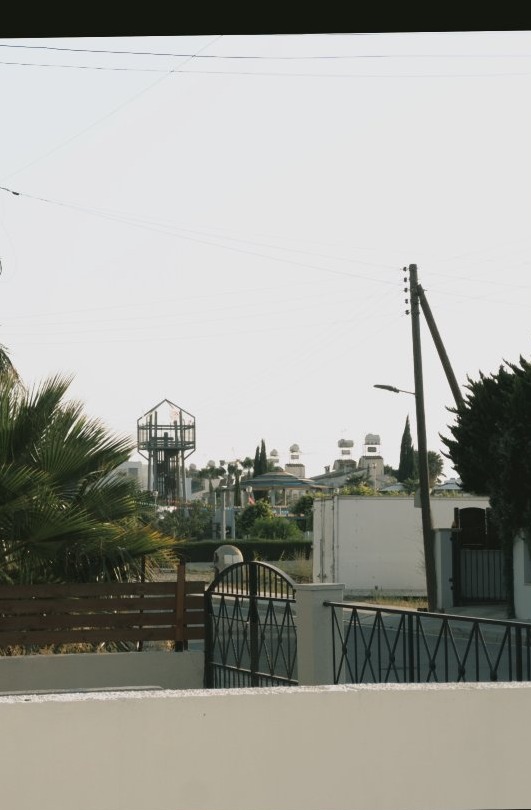
Shot with Phocus
Straight off the shutter
Frames taken with a recipe running in the viewfinder, saved as they came out of the camera.





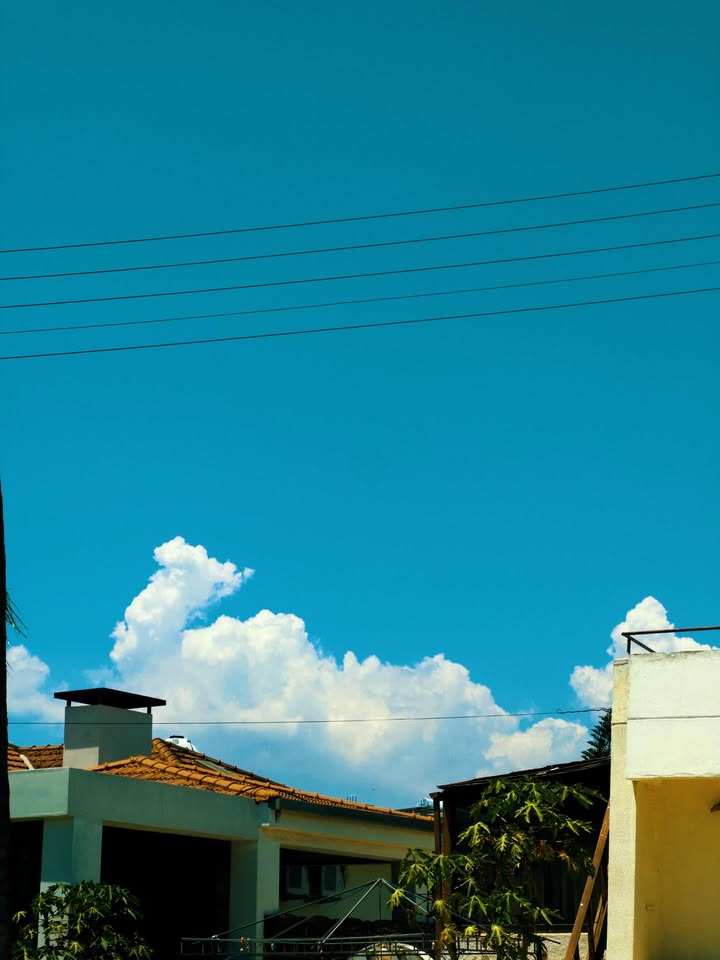
Your own grades
Bring a LUT you already use
Export your grade as a square HALD image and Phocus will run it on the live feed like any published recipe. The file below is the neutral one — it maps every colour to itself, and it is the starting point your editor should export against.
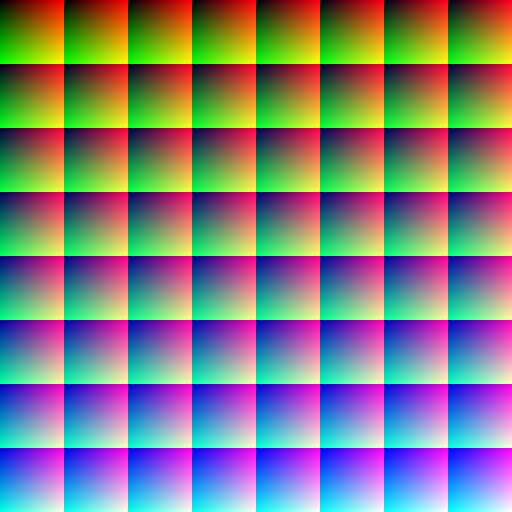
NEUTRAL.png — the identity HALD Phocus ships
Shoot it right the first time
Free to download. The published recipes are in the app the moment you open it.